
Veo 3.1 landscape and travel video prompts
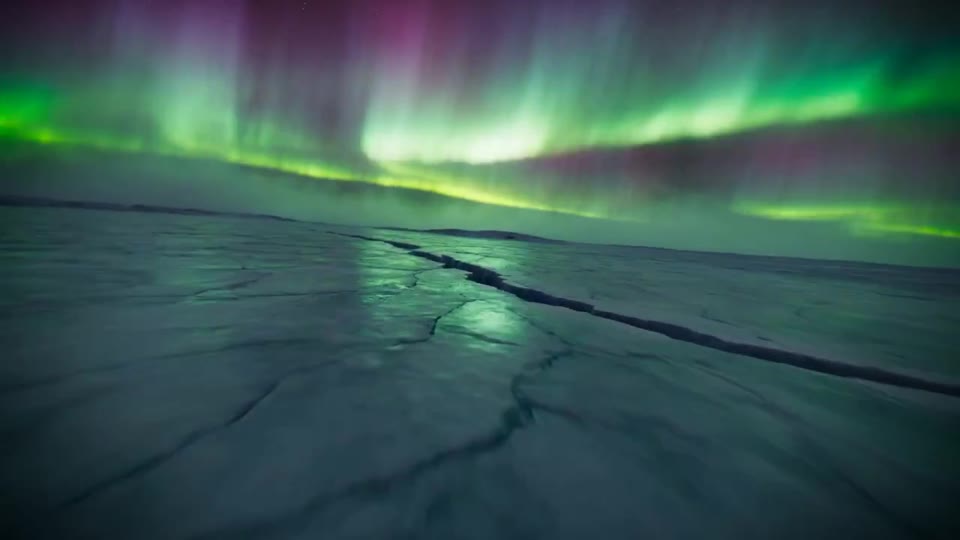
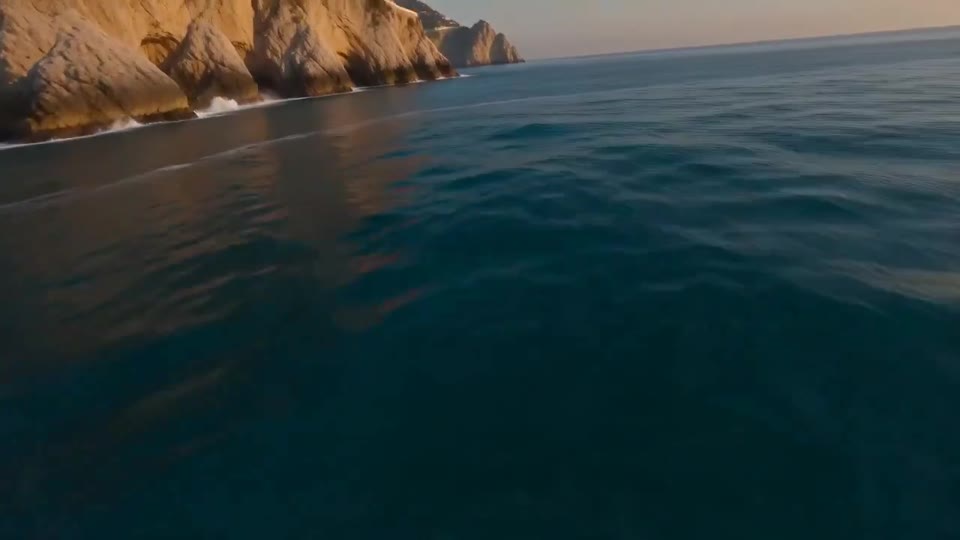
Landscape motion works best when the viewer can follow one route. A foreground landmark, a middle-distance transition and an ending composition give the shot a readable structure. These examples range from a coastal reveal to an explicitly fictional polar flight; use them as route references for your own scene.
Browse all nature and travel templatesFour routes to adapt
Make the route possible to follow
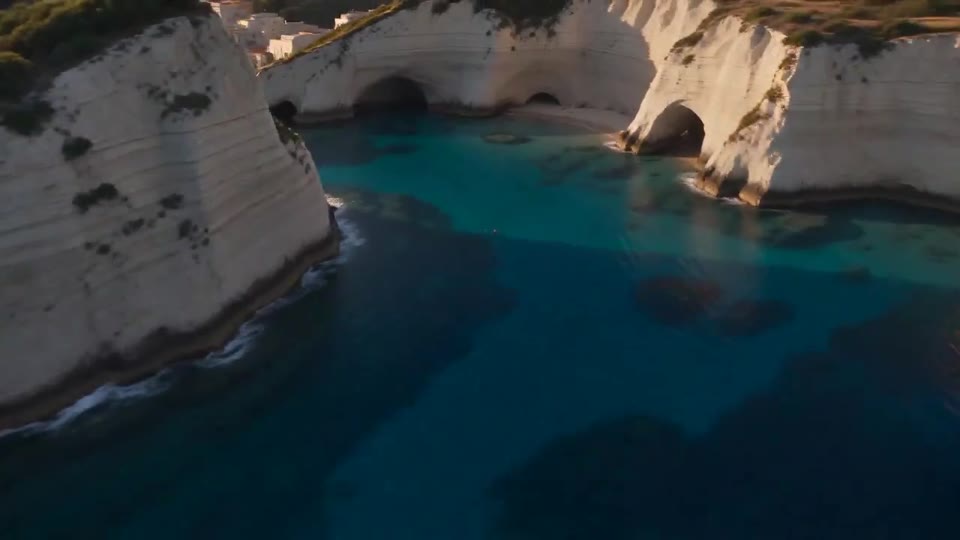
Describe where the camera starts, what it passes and where it ends. Keep the coast, horizon or canyon walls continuous rather than introducing a new location at every sentence. The coast-road reveal is useful for a broad establishing view; the cave and lighthouse example adds a transition that may need simplifying.
Keep one clear visual anchor
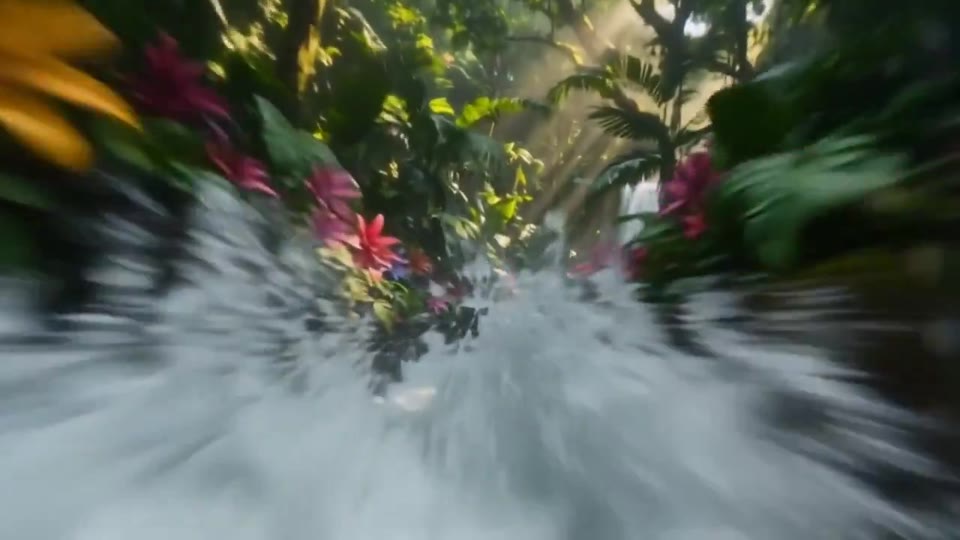
Choose a landmark such as a lighthouse, arch or waterfall, then specify its position in the final frame. Hold weather, light direction and forward motion steady. If the scene jumps or the route becomes unclear, reduce turns and shorten the list of landmarks before increasing prompt detail.
Match framing and duration to the route
A wide frame can accommodate a broad landscape; a vertical frame needs a route and subject that remain readable in a narrower composition. Choose duration in the generator and simplify the action to fit it. Applying a template selects its recommended model and copies its prompt, while resolution, aspect ratio, duration and mode remain your choices. Preview duration is not evidence of the duration that these settings will generate.
Distinguish an illustration from a location record
The aurora flight is a fictional artistic landscape, not expedition footage or a scientific simulation. Do not present invented landmarks as a record of a real destination. For the waterfall title-matte idea, add readable typography during editing. Check horizon stability, scale and transitions before sharing, and save the settings alongside the downloaded result.