
AI Video Generator
Create videos with Veo 3.1
Turn a text prompt or images into a video with Veo 3.1. The generator shows creation modes, model options, available settings, and the credits required before you submit.
Generator preview: Explore the controls before you generate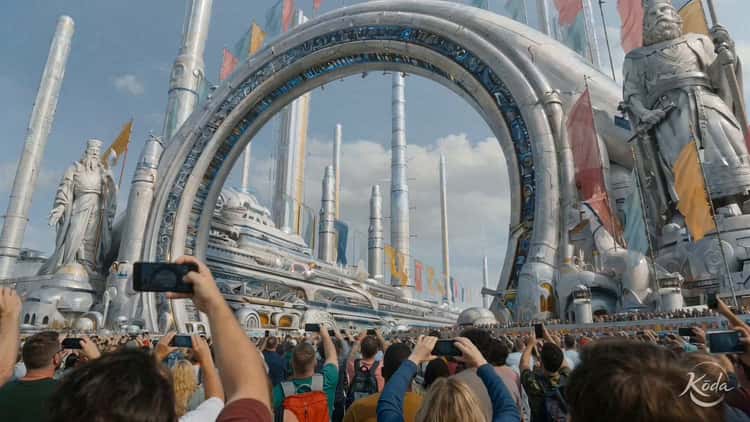
Video examples
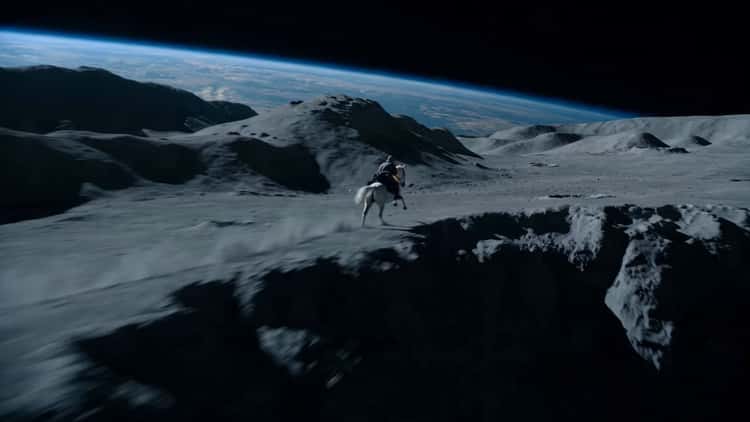
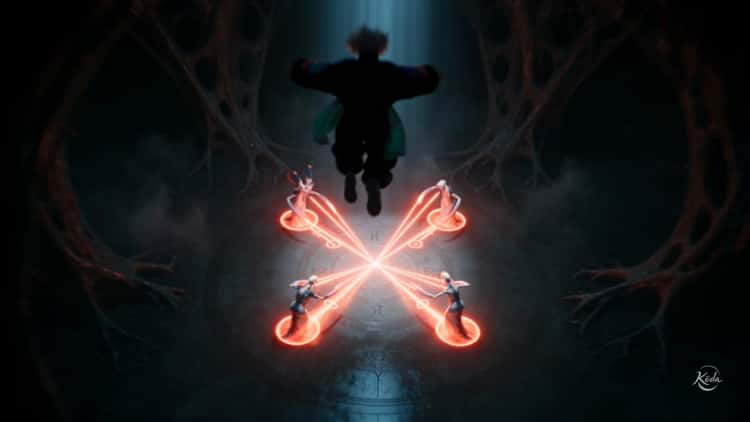
Explore video examples by model, then open the generator to try a text prompt or image-guided workflow.

Video examples
Three ways to create with Veo 3.1
Start with a text prompt, a starting image and optional ending frame, or reference images to guide the subject.
- Text to VideoDescribe the subject, action, setting, camera movement, and lighting in a prompt.
- First & Last FramesAnimate a starting image, or add an ending image to guide a transition between the two frames.
- Reference ImagesGuide a character, product, object, or visual style with 1–3 reference images. Available with Fast and Lite.
Create a video in four steps
Explore the generator and examples for free. To generate, sign in and make sure you have enough available credits for the selected settings.
- 01
Sign in
Sign in before generating. Reference image uploads require a positive available credit balance but do not deduct credits.
- 02
Choose a creation mode
Use Text to Video for a scene described in words, First & Last Frames to animate a starting image or guide a transition, and Reference Images to guide a subject or style.
- 03
Set up the shot
Write a prompt, add images for the selected mode, and choose the available model, duration, resolution, and aspect ratio. Set a seed if needed.
- 04
Review the cost and generate
Check the credits required for your settings before submitting. Follow progress in My Works and download results you want to keep while their links are available.
Questions about Veo3o1 and Veo 3.1
For account or generation questions, contact support by email.
What is Veo 3.1?
Veo 3.1 is Google's AI video generation model. Veo3o1 is an independent service with text-to-video, first/last-frame, and reference-image workflows. Veo3o1 is not affiliated with Google.
Does Veo3o1 offer free video generation?
You can browse the site and set up a video without payment. Sign in to generate or upload reference images. Uploads require a positive available credit balance but do not deduct credits; generation, extension, and resolution enhancement require the credits shown for the selected settings. You can use valid promotional credits, so a previous purchase is not required.
How long are the generated videos?
Choose from the supported durations (4, 6, and 8 seconds). Reference Images mode currently uses 8 seconds.
Which creation mode should I use?
Use Text to Video for a scene described in words, First & Last Frames to animate a starting image or guide a transition, and Reference Images to guide a subject or visual style. Review the result: reference images do not guarantee an exact match.
How long does it take to generate a video?
Processing time varies with the queue and provider conditions. You can leave the page and check the task later in My Works.
Can I use the generated videos commercially?
Commercial use is subject to the service terms, applicable provider terms, and your rights to the inputs and output. AI output may not be exclusive or eligible for copyright protection. Review each result and obtain any permissions your use requires.
Open video generator
Choose a creation mode, review the settings and credit cost, then sign in when you are ready to generate.