Veo 3.1 product video prompt templates
A useful product shot gives one object a clear moment: a bottle turns toward the light, a drop meets a surface, or a camera reveals a material. These templates offer different starting compositions. Choose the visual task first, then adapt the prompt to your own product and delivery format.
Browse all product templatesFour starting points for a product shot
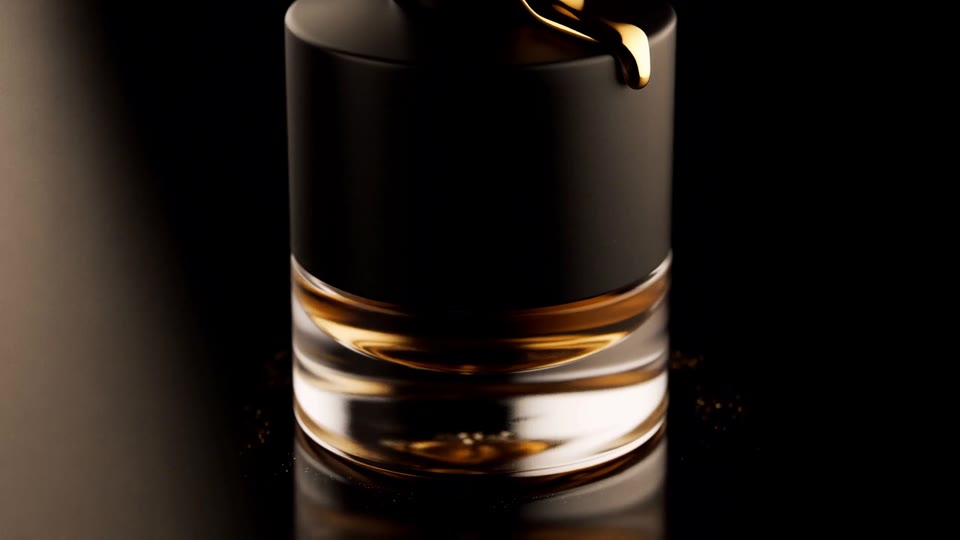
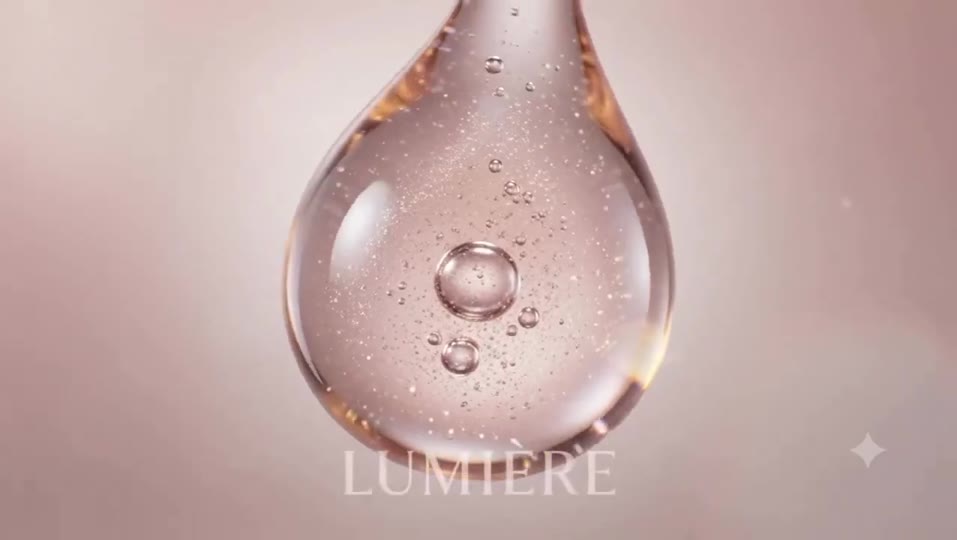
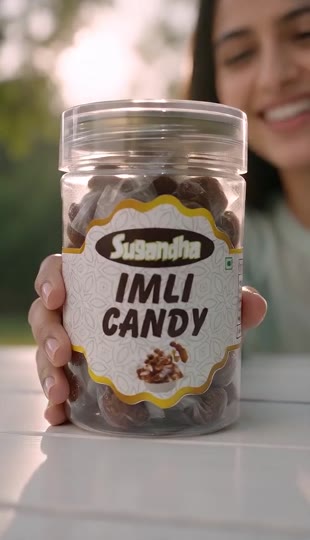
Choose what must stay consistent
Use the fragrance and skincare examples to explore lighting and surface motion. For a particular package, prepare clear references of the same product version. A close view of the label and a different bottle shape can conflict; remove the weaker reference. A template preview is an illustration, not proof that your product identity will be reproduced exactly.
Separate object motion from camera motion
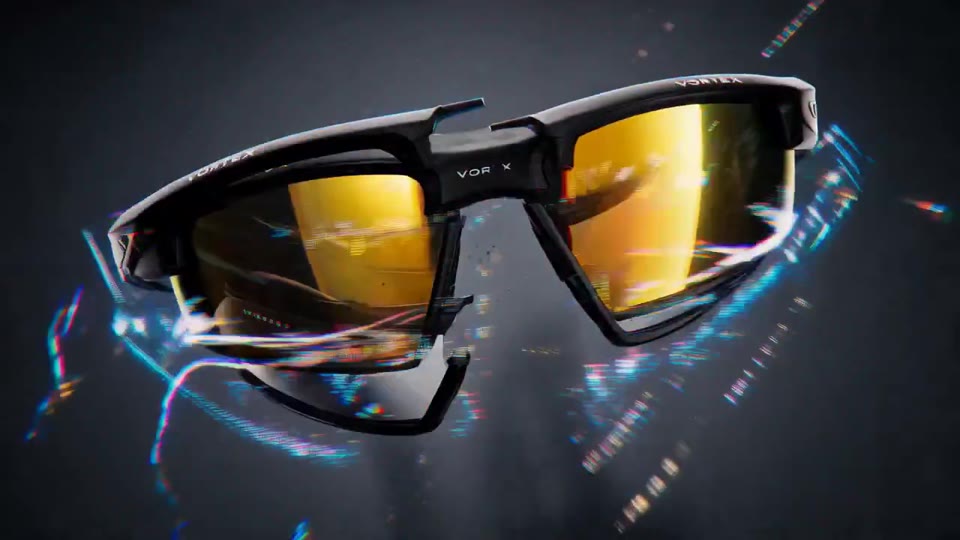
A slow orbit around a stationary bottle is a different instruction from rotating the bottle under a fixed camera. Name one of these explicitly. Start with one action and keep the background, material and lighting stable. The eyewear example is a more complex multi-angle starting point; simplify it to a single angle when testing continuity.
Pick settings for the destination
Choose 9:16 for a vertical placement or 16:9 for a landscape frame, leaving room for later captions. If the exact opening matters, select First & Last Frames and supply an opening image. Reference Images can guide appearance when exact endpoints matter less. Applying a template brings its prompt and recommended model only; select the other settings and review the displayed credit cost before generating.
Review before using the result
Check package shape, reflections, label changes and contact between objects. Add precise text and verified product claims in your editing workflow. Keep the prompt, model and inputs recorded, then change one variable for the next attempt. These are prompt references, not tested advertising claims or guaranteed outputs.